A GNOME-Style Terminal That Opens in 35 ms, Without GTK
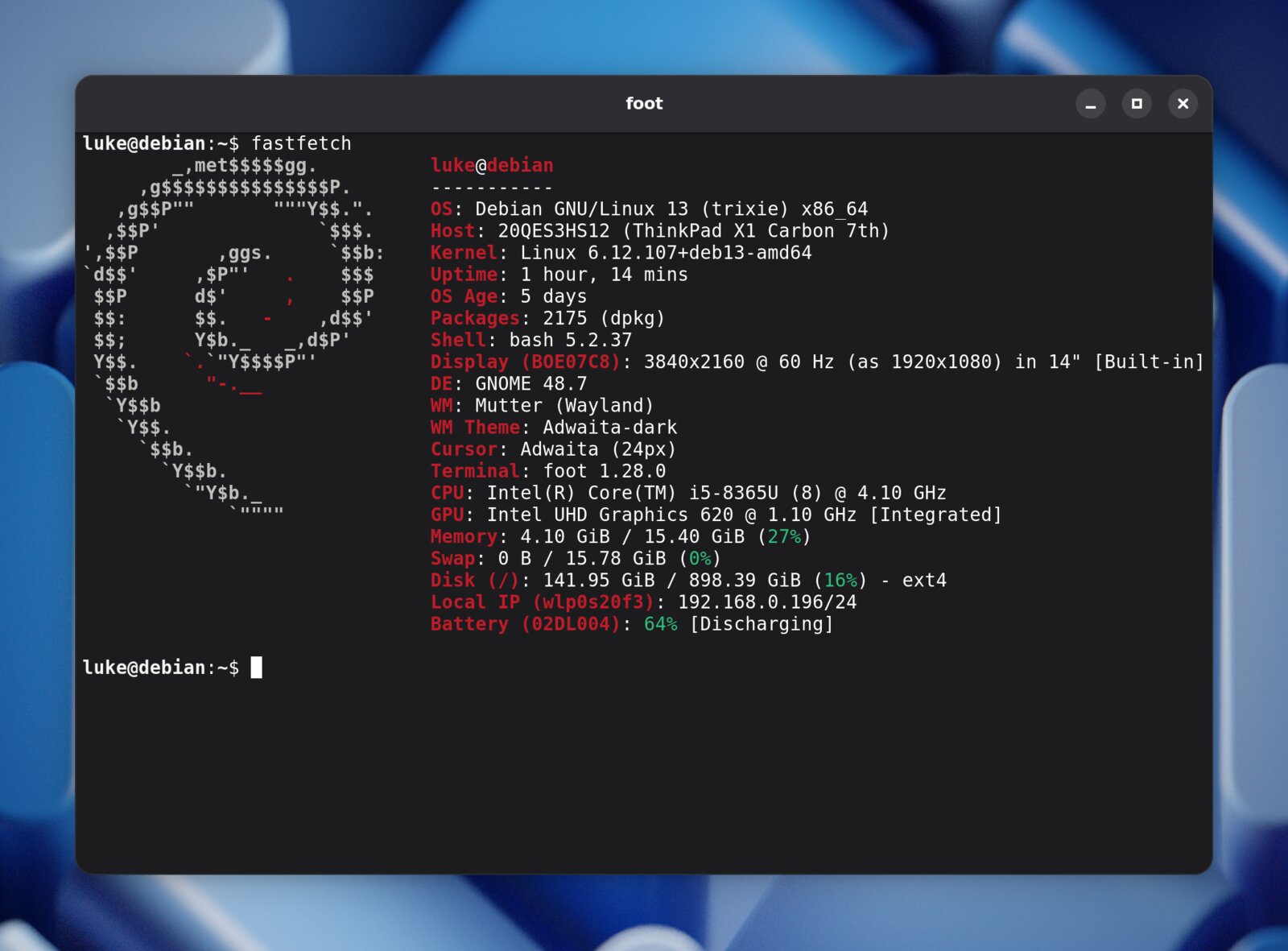
GNOME Console took half a second to open, and so did an empty GTK window. So I kept the foot terminal's engine and drew the GNOME look by hand: new windows in 35 ms.
This was my prompt, typos and all:
analyze why kgx startup is so slow? I want instant just like old school xterm was. I want to hit super-enter and have my terminal appear instantly, so i can type without breaks. Like Super-Enter L S Enter - and I immediately see ls on the screen
GNOME Console took half a second to open on my laptop, and anything I typed before then went to the previous window. One Gritcode session with Claude Opus 5.5 later, a new terminal has its shell running in 35 ms, and it still looks like it belongs on GNOME.
Fast, but ugly
The agent measured before it guessed. My shell started in 35–70 ms, so that wasn’t it. Console’s window was the problem: 500–640 ms before it got keyboard focus. The agent suggested foot, a small Wayland terminal, in server mode. New windows took 36 ms.
It was fast. It also looked out of place on GNOME. So I asked for the obvious thing: turn foot into a native libadwaita app.
The agent said no
I recommend not turning foot into a real libadwaita app. That would bring back the slowness you just got rid of.
Its reasoning: the half second came from GTK starting up, not from Console. It proposed keeping foot’s engine and drawing the libadwaita look by hand.
I didn’t believe it, so I made it prove it. It built an empty libadwaita window with one text field and bound it to Super+C, so I could test it myself. It took about 500 ms to accept typing, and 100 ms of that went by before the app’s own code even ran.
My reply: “you were right, it is insanely slow.”
That’s the lesson. An agent that pushes back is good. One that hands you a test you can run yourself is better.
Where it broke
It copied libadwaita’s look straight from its stylesheet: the header bar, round buttons, 15 px corners and the four-layer window shadow. That’s 1,090 lines of C in one new file. On the way, it broke three times:
- The first version was slow. The decorations took 21–45 ms per window, more than the 35 ms I came for. Three rounds of profiling (cheaper math, computing the shadow once, filling pixels in bulk) got that down to about 3 ms.
- It said “done” without seeing the real thing. It had only checked its own renders. My side-by-side screenshots with Console showed a faint outline drawn outside the window edge instead of inside. After the fix, the header matched Console pixel for pixel.
- It shipped my dotfiles. The public repo got my personal config, scripts and systemd units, and the README claimed features that came from them, not from the fork. I had it all removed and the history rewritten.
It ran on my machine. That’s not the same as shipping.
The fine print
- The 35 ms needs foot’s server mode:
foot --serverruns from login, and each window is a tinyfootclient. Measured the same way, Console takes about 150 ms. - It’s a fork, and it will stay one. foot’s maintainer recently banned AI-generated contributions, so I won’t send this upstream. The credit for a fast terminal goes to Daniel Eklöf and the foot contributors. My fork only adds the look.
Make it prove it
Super+Enter, ls, Enter. Every key lands now.
The code and build steps are on GitHub. If you use GNOME, try it and tell me how fast it opens on your machine.